Why one lesson, one evening, one set of checks
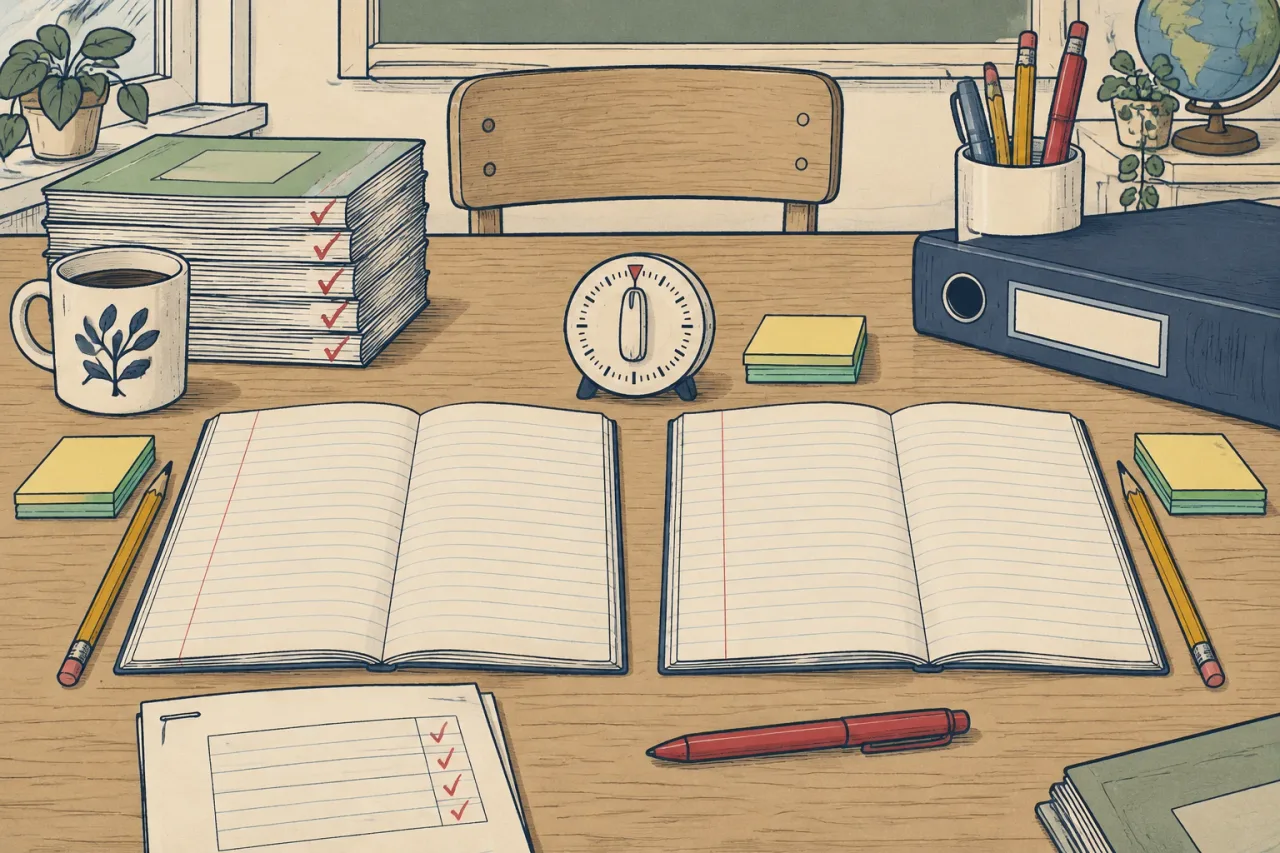
Give both planners the same lesson in the same sitting and judge both drafts with the same checks. Then set the results beside each tool’s report card. This removes the usual unfairness: a tired Thursday for one tool, a fresh Sunday for the other, or a hard topic for one and an easy topic for the other.
Free plans make the method matter more. Chalkie’s free plan gives up to 5 full-length lessons or activity sheets every 7 days. Planit Teachers gives one free lesson to make, edit and present. Know each limit before you start, so you do not run out halfway through the comparison.
The steps, in this order
- Pick one real lesson you teach next week. Write the objective in one sentence.
- Write one prompt and paste the same words into both tools. Leave pupils’ names and personal data out of it.
- Do both in the same evening. Note your own clock time from first click to a draft you could edit. Keep each tool’s own speed claim separate, because that is the company’s claim and not your measurement.
- Run the same checks on both drafts. Does it meet your objective? Is the content correct? Does it fit your minutes? Can you export it in the format you use?
- Open each tool’s report card and compare the lines: free plan, price per year, data and privacy, UK or US fit.
Our guide to checking an AI-made lesson resource in 30 minutes gives a longer set of checks for step 4.
Compare the plan you would actually use
Compare price per year for the tier that does what you need. On Planit Teachers, a Google Slides download needs Starter, at $49 / £39 / €44 a year. Chalkie’s free plan already exports to Google and Microsoft, and its Pro plan is US$79.80 paid yearly. Chalkie prices in US dollars, so check the exchange rate before you set the two side by side.
Our Planit Teachers vs Chalkie page lines up two report cards this way.
When it does not work
If one free plan runs out, do not compare an unlocked tool with a locked one. Compare the cheapest paid plan on each. If the two tools aim at different jobs, compare only the lines they share. Chalkie, for example, adds live quizzes that pupils answer on their devices, and a planner without that feature cannot be marked down for it.
Where a report card says “not stated on its site”, leave the line empty and ask the company. Do not guess. On data, repeat what each policy says and check it against your school’s policy. Chalkie publishes a data processing agreement. Planit Teachers publishes none, and its site asks schools that need a review to get in touch. This is not legal advice, and our guide to using AI safely in school covers the next step.
A common mistake
Most people rank by first impression. A neat slide deck can hide a wrong date or a task pitched at the wrong year group. Count the edits you made to each draft, and read every line before it reaches a class. The teacher checks the output, whichever tool made it.