The short answer
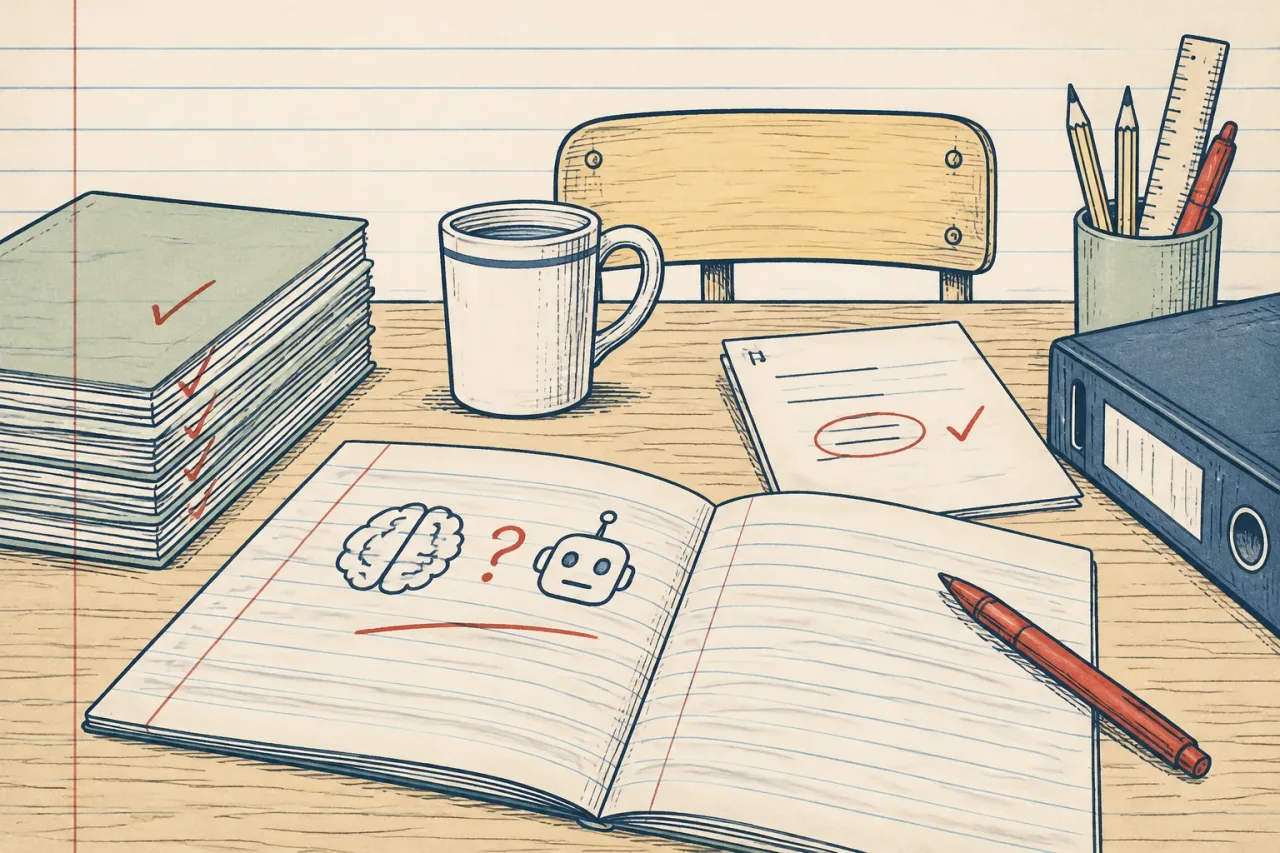
Yes, in small and planned ways. Use AI with pupils only when your school has approved the tool and you have one clear job for it.
A good use is feedback on a draft that pupils then revise. A poor use is an open chatbot and no task.
Why this is the answer
Pupils will meet AI outside school. A short, guided use in class lets you show them what it is for and where it gets things wrong.
Some tools are built for this. Curipod runs teacher-led writing lessons where pupils write, get AI feedback, discuss and revise. Pupils need no accounts and there are no AI chatbots for pupils. SchoolAI uses teacher-built Spaces that guide pupils, and Mission Control shows you what pupils are doing.
How to do it, step by step
- Read your school’s AI and data policy. Use only approved tools. Keep pupils’ names and personal data out unless the school has approved it. See use AI safely in school.
- Choose one task of about 15 minutes, such as improving a paragraph with a Year 8 class.
- Before the lesson, test the tool yourself with the exact prompt or Space. Try a weak answer, a strong one and an off-topic one. Change the setup until the feedback would suit your class.
- Tell pupils the rule: AI feedback is a suggestion, and they decide what to change.
- Run the task live. Pupils write, read the feedback, then revise. Walk the room and watch for feedback that looks wrong.
- Be clear about what you can check. Pupils see AI feedback as it appears, so you cannot read it first. Your check is the testing in step 3 and the monitoring in step 5. If something is wrong, stop and correct it with the whole class.
- Spend 5 minutes at the end asking which feedback helped and which did not.
What to do when it does not work
If the feedback is vague or wrong, pause the task. Tell the class why, and use the example as a teaching point. Then move to a paper version of the same task.
If your school has not approved a pupil-facing tool, keep AI on the teacher side. Diffit makes differentiated resources at different reading levels, and it has no pupil logins and no pupil AI. You make the resource, you check it, and pupils never touch the tool.
A common mistake
The usual mistake is treating AI feedback as correct because it sounds confident. Pupils copy it in, and nobody thinks.
Fix this with the rule in step 4 and the debrief in step 7. Also, never paste pupils’ work into a tool your school has not approved. Our page on putting pupils’ work into an AI tool explains what to ask first. This is not legal advice, so follow your own school’s policy.